Every Step Brings Your Sketch
Closer to Life
Turn simple plans into intelligent, fully visualized spaces from layout to materials, 3D, and cost — all powered by AI.


Generate Your Plan
Generate Your Plan
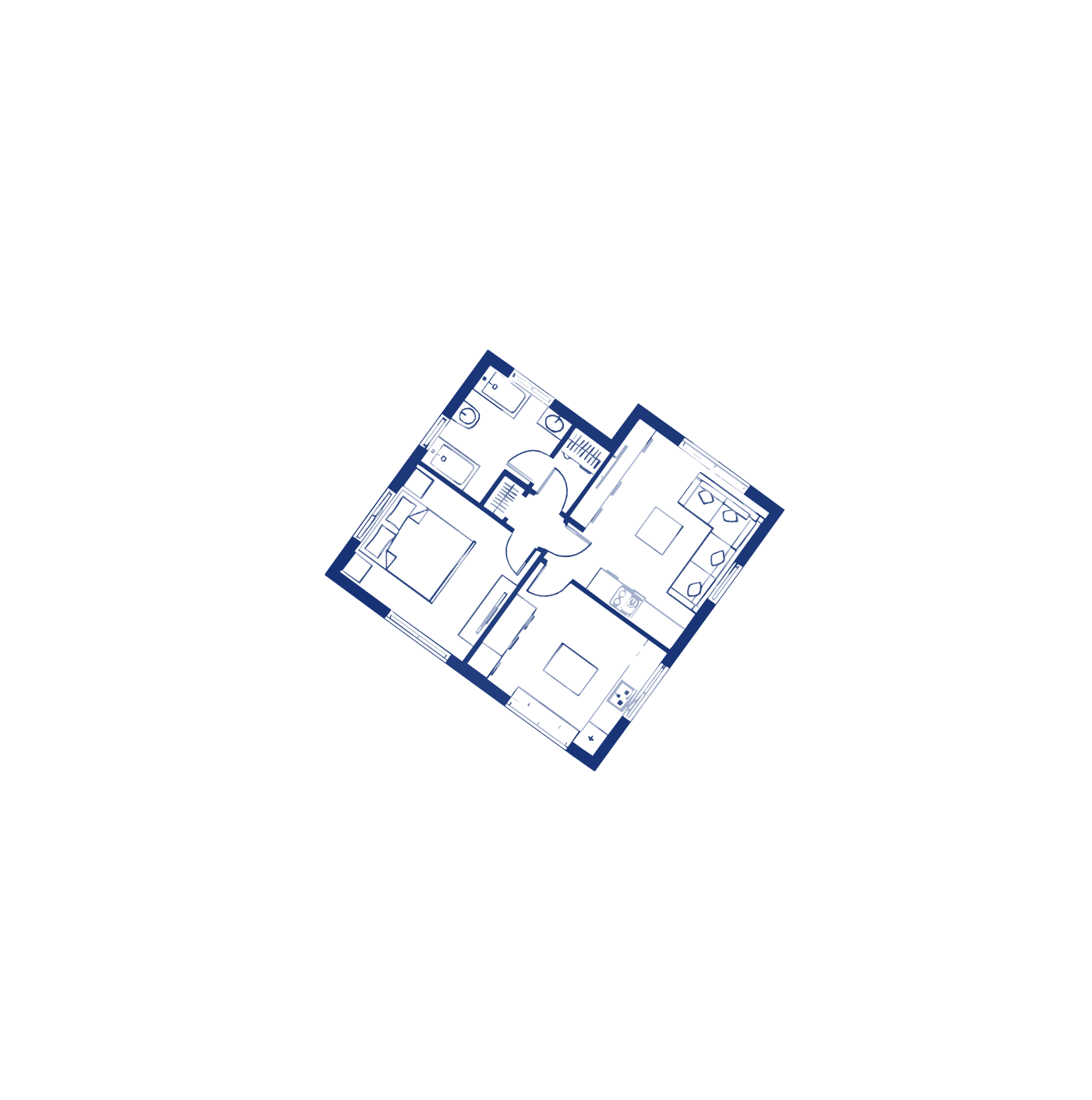
Create an intelligent apartment layout by defining basic requirements—area, space type, and priorities. The AI generates a well-structured concept plan based on architectural logic.
Upload a Plan
Upload a Plan
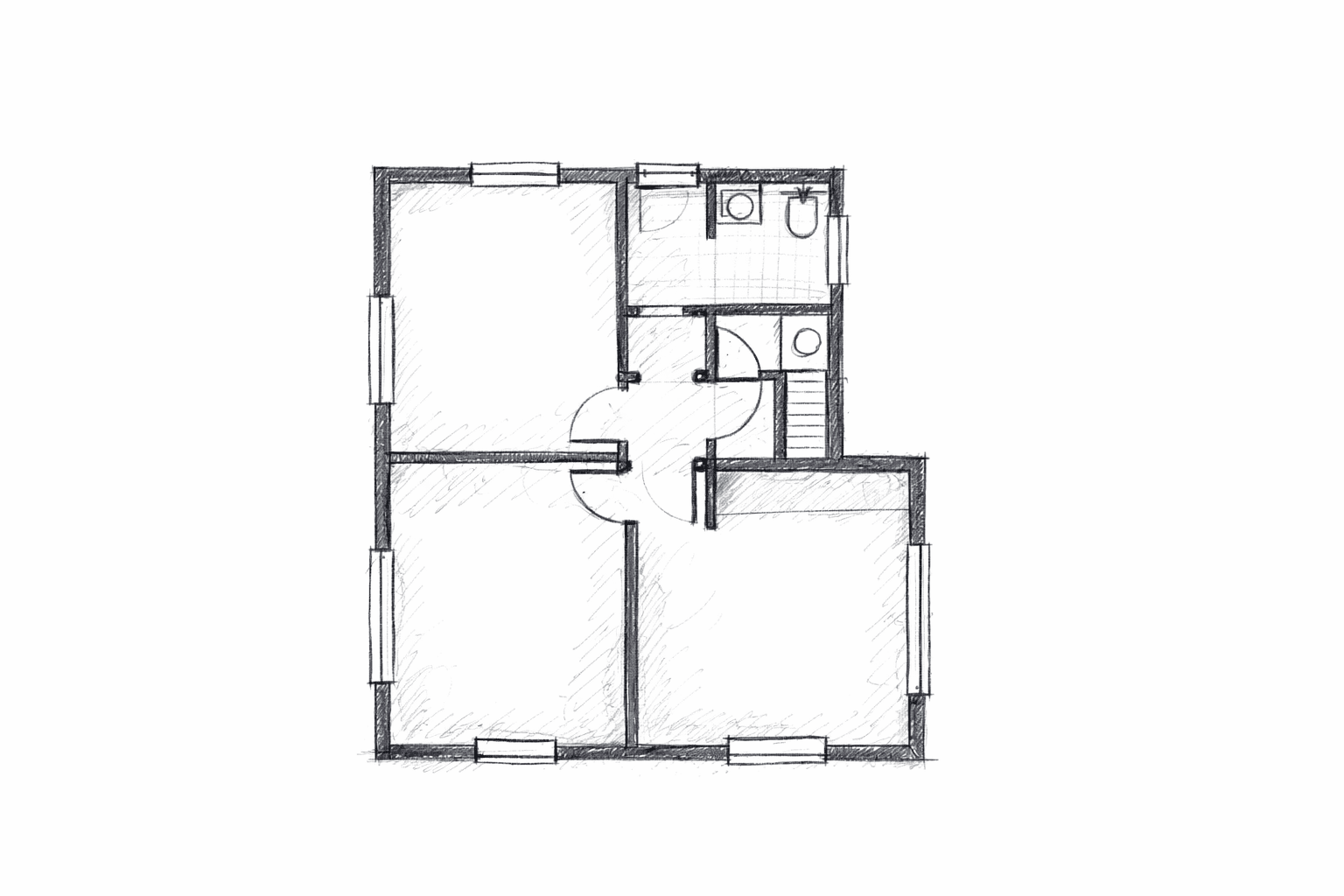
Upload your existing floor plan and let the AI analyze, structure, and prepare it for furnishing, 3D visualization, and cost estimation.
Generate Furniture
Generate Furniture
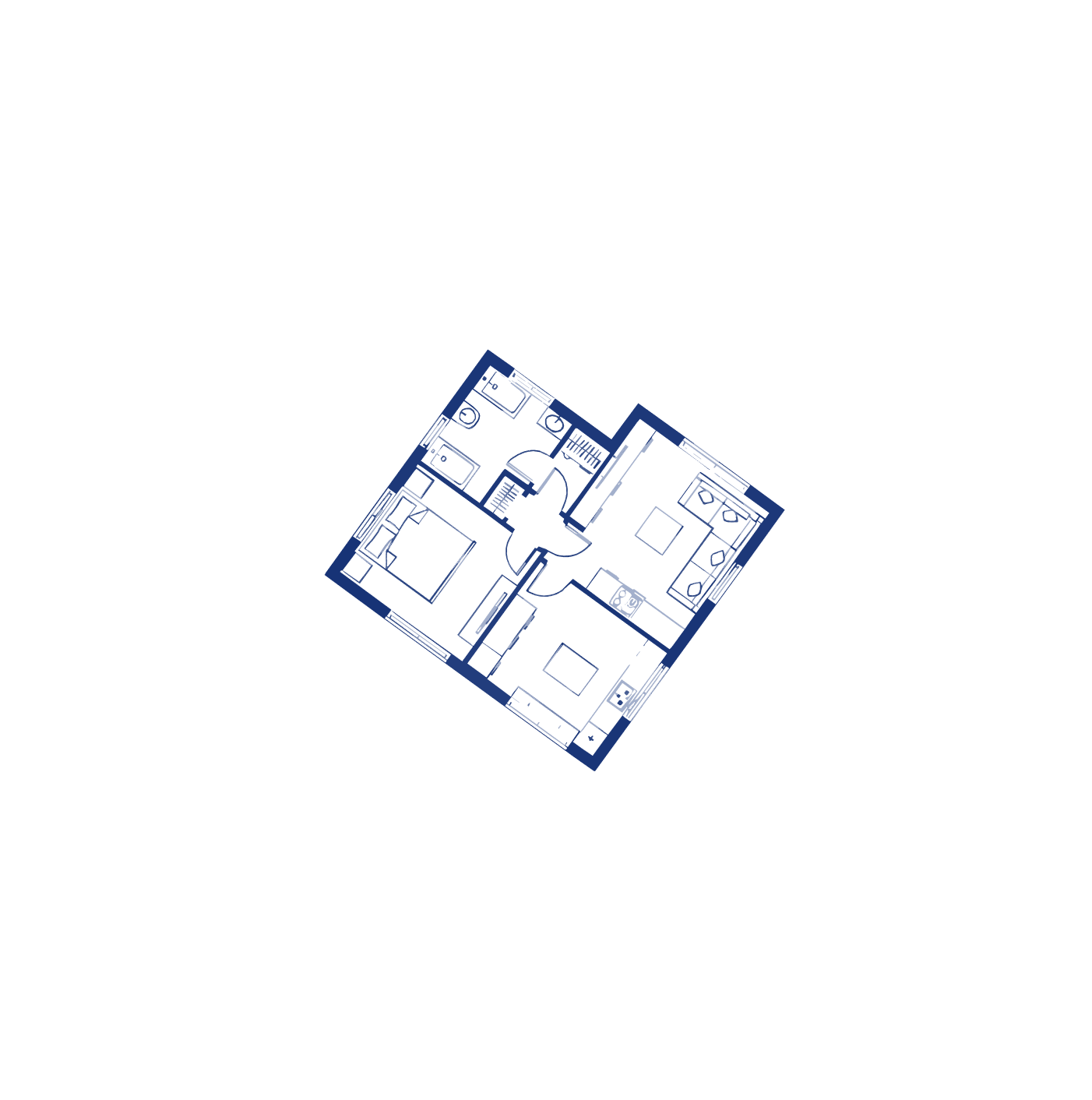
Automatically generate furniture layouts tailored to each space, optimized for function, comfort, and realistic daily use.
Transform to 3D
Transform to 3D
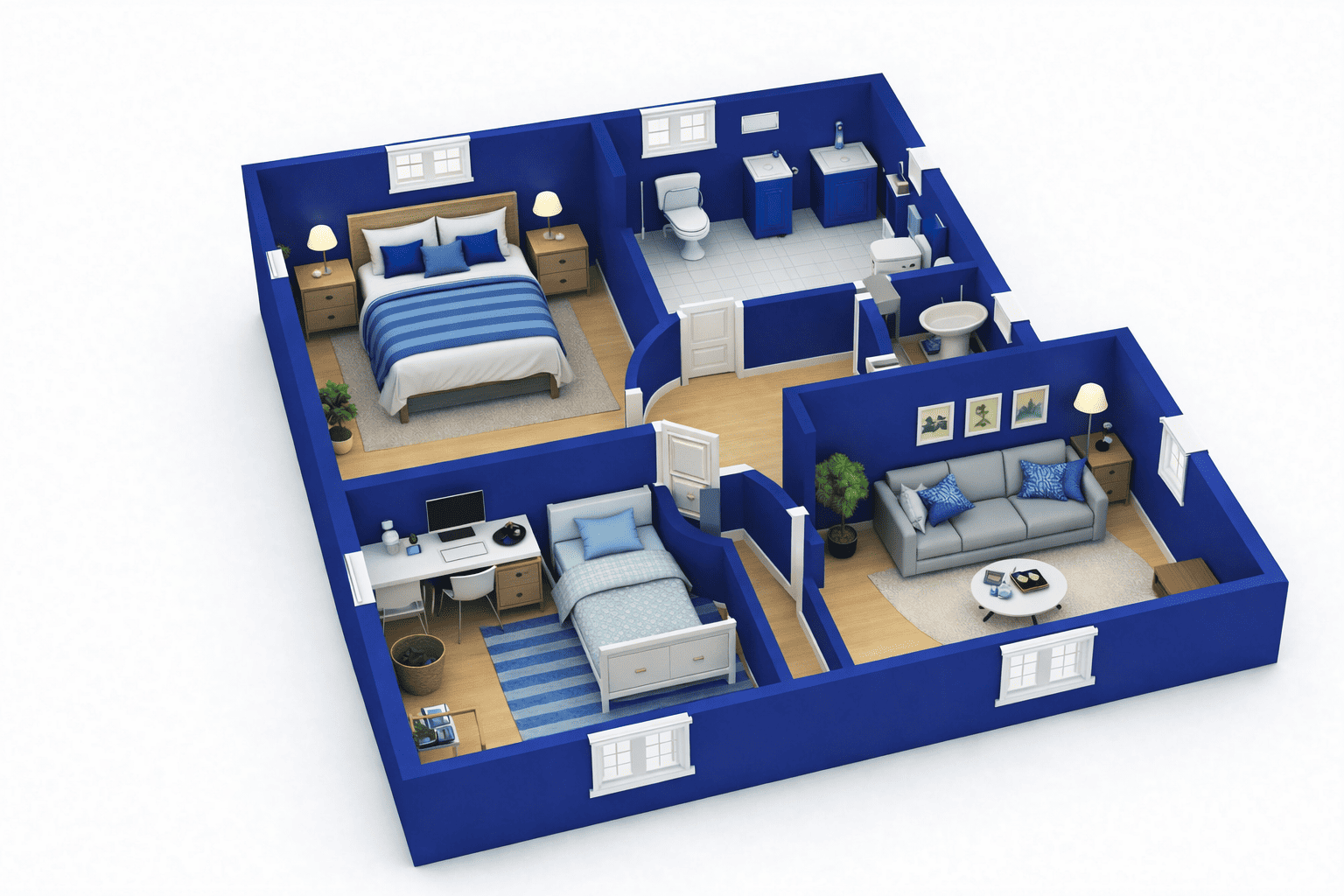
Convert your 2D furnished plan into a fully detailed 3D model to clearly visualize space, scale, and design intent.

Suggest Materials
Suggest Materials
Apply AI-recommended materials and finishes to visualize the final look of the apartment with realistic design intent.
Generate BOQ
Generate BOQ
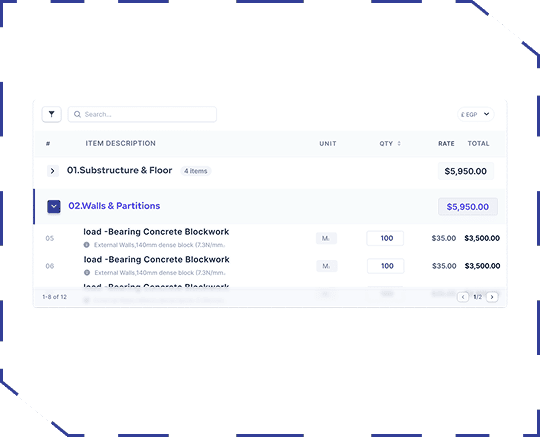
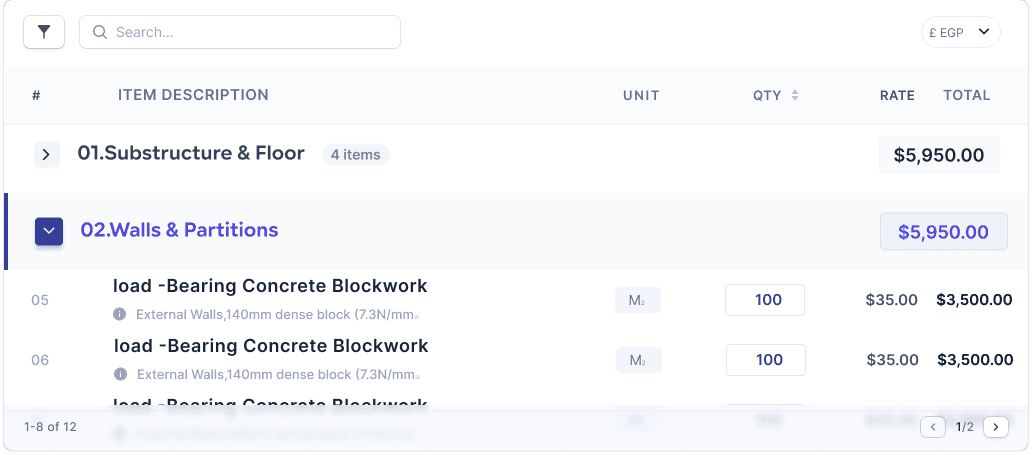
Generate a detailed Bill of Quantities with material specifications, quantities, and estimated costs based on your design.
We turn your ideas from
sketch to reality.

Zones helps you create your home plan through 6 clear steps. Choose the step you want to start with and begin your journey with Zones.
Get StartedHow Our AI Design Workflow Works
Generate Your Plan
Start your project by generating a concept floor plan powered by AI-driven space planning. The system applies architectural rules to ensure the plan is functional, balanced, and ready for design development.
Key capabilities
- AI-generated floor plans based on area, space type, and priorities
- Intelligent zoning of living, private, and service areas
- Optimized circulation and spatial efficiency
- Concept layouts suitable for early design, feasibility studies, and rapid planning
Upload a Plan
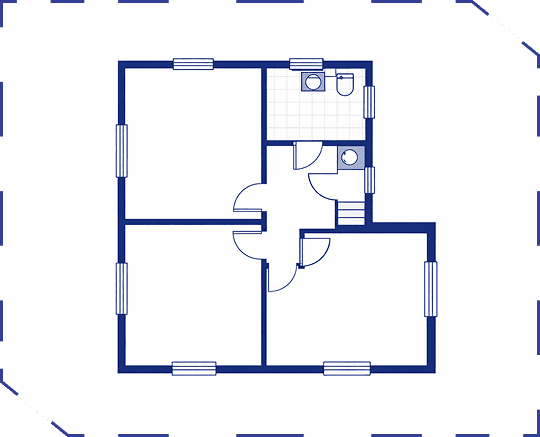
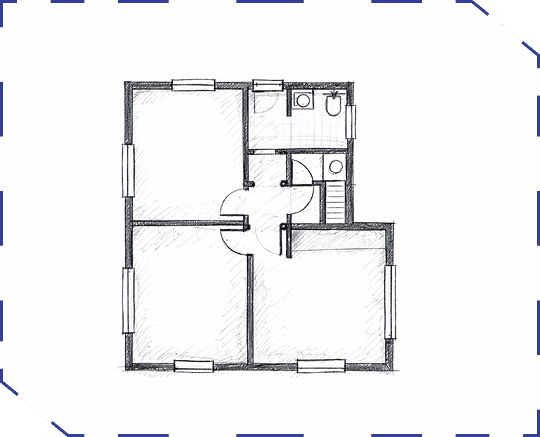
ZONES allows you to start from any existing floor plan without manual redrawing. Once uploaded, the system analyzes the plan to understand walls, room boundaries, openings, and spatial relationships.The result is a clean, structured digital layout that can seamlessly move through the rest of the AI design pipeline.
Key capabilities
- Automatic detection of rooms, walls, and circulation.
- Conversion of static drawings into smart, editable layouts.
- Compatibility with scanned plans, PDFs, and image files.
- Immediate readiness for furniture generation and 3D transformation.
Generate a Furniture
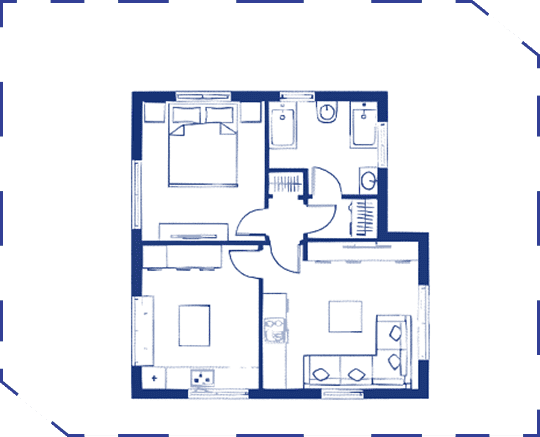
After defining the plan, ZONES generates a complete furniture layout using AI-based spatial reasoning.Furniture is placed according to room type, dimensions, and circulation paths, ensuring usability and visual balance.This step transforms an empty plan into a livable environment that reflects how the space will actually be used.
Key capabilities
- Intelligent furniture placement for all room types.
- Layouts optimized for movement, comfort, and proportions.
- Functional arrangements based on interior design logic.
- Immediate visual clarity for users, clients, and stakeholders.
Transform to 3D
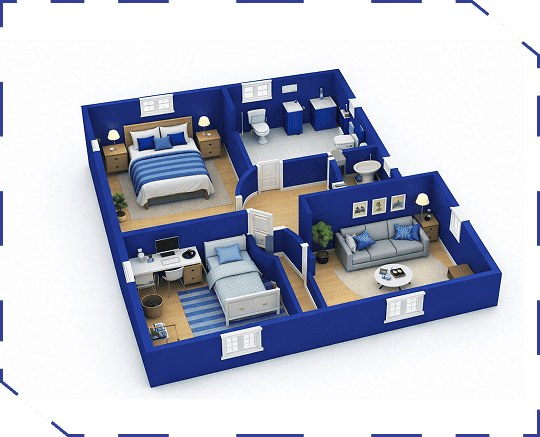
ZONES transforms the furnished floor plan into a 3D isometric model using AI-powered image-to-image generation. Walls are extruded, furniture becomes volumetric, and spatial depth is reconstructed automatically.This allows users to understand the design without technical drawings or manual 3D modeling.
Key capabilities
- Automatic generation of 3D apartment models.
- Accurate spatial proportions and room heights.
- Fully furnished isometric visualization.
- Ideal for presentations, approvals, and design validation.
Suggest materials
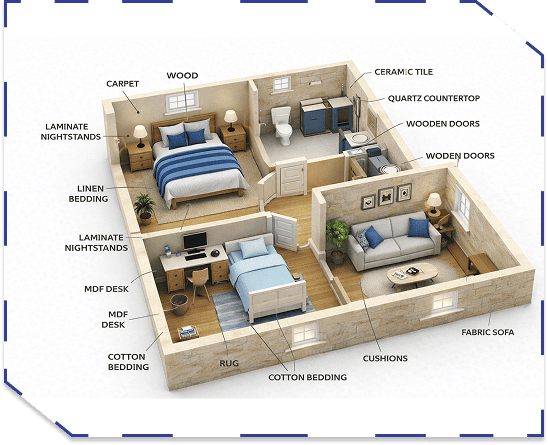
Once the 3D model is created, ZONES applies material and finishes suggestions across floors, walls, and surfaces. Selections are made based on room function, design logic, and practical use. Materials are visually integrated into the model, creating a realistic representation of the finished interior.
Key capabilities
- Automated material and finish suggestions.
- Room-based material logic (living, wet areas, private spaces).
- Realistic interior visualization.
- Design-ready outputs aligned with real construction standards.
Export & Share
ZONES converts the final design into a structured Bill of Quantities using AI driven analysis. The system extracts areas, assigns material specifications, and applies unit pricing to produce a clear cost breakdown. This enables early cost control and informed decision-making.
Key capabilities
- Automatic quantity takeoff from the design.
- Material specifications linked to surfaces and areas.
- Estimated unit pricing and total costs.
- Adaptable to different regions, units, and budgets.